New resource planner in Ditio: plan employees and machines across projects

Good planning of work and resources is essential when employees and machines need to be allocated across several projects at once. In construction projects, plans often change along the way, and project management needs an overview of both today’s work and capacity going forward.
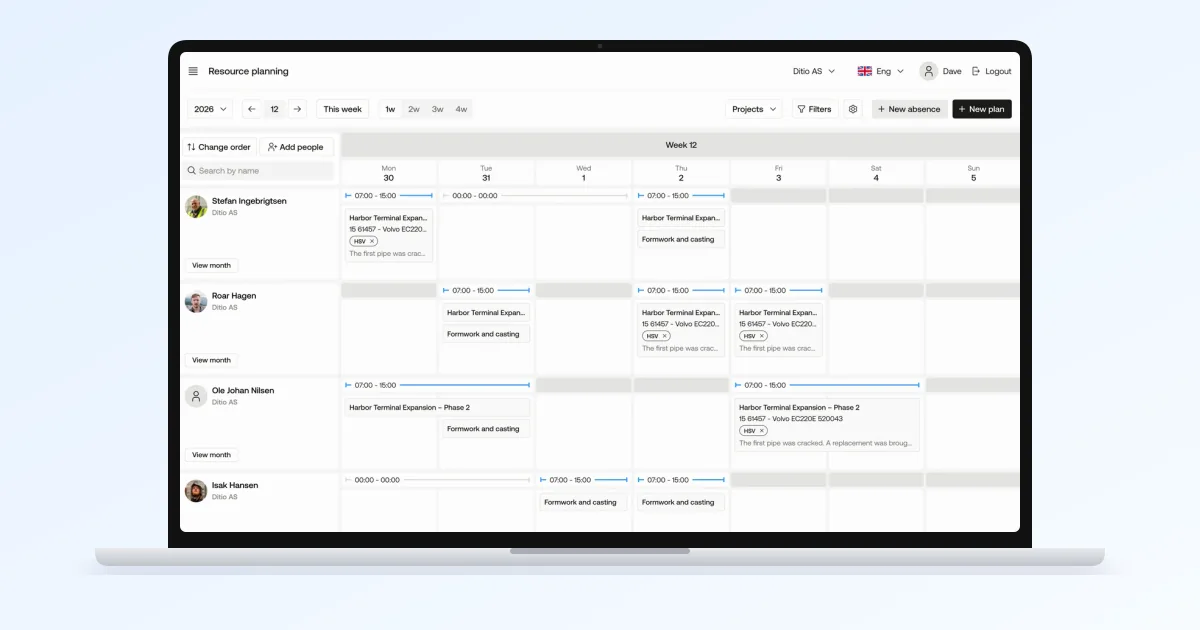
A resource planner in Ditio Core shows project management who and which machines are scheduled on different projects and tasks, making it easier to manage capacity and changes along the way.
The new resource planner makes it easier to plan employees and machines across projects, from an overview of the coming months to specific work orders for the coming days and weeks.
The plan is connected to work orders, time tracking, and project follow-up.
“Our goal has been to make planning more flexible and easier to adapt when the project changes. At the same time, we wanted to connect planning more closely with the rest of the workflow in Ditio, so that planning, execution, and documentation fit together.”

Oskar Kvamme, Product Owner for Ditio Core
From a monthly overview to tomorrow’s work
On a construction project, not every detail is known from day one. The need for people and machines can be planned in advance, while the specific tasks only become clear as the work draws closer.
You can start with the overall plan and allocate people and machines to projects over a given period. As the details fall into place, resources can be linked to specific work orders.
That means the same plan can be used to see capacity days and months ahead, and to plan who should do what on site tomorrow.
This makes it easier to see upcoming resource needs and adjust the plan as the project evolves.
See and plan employees and machines in the same plan
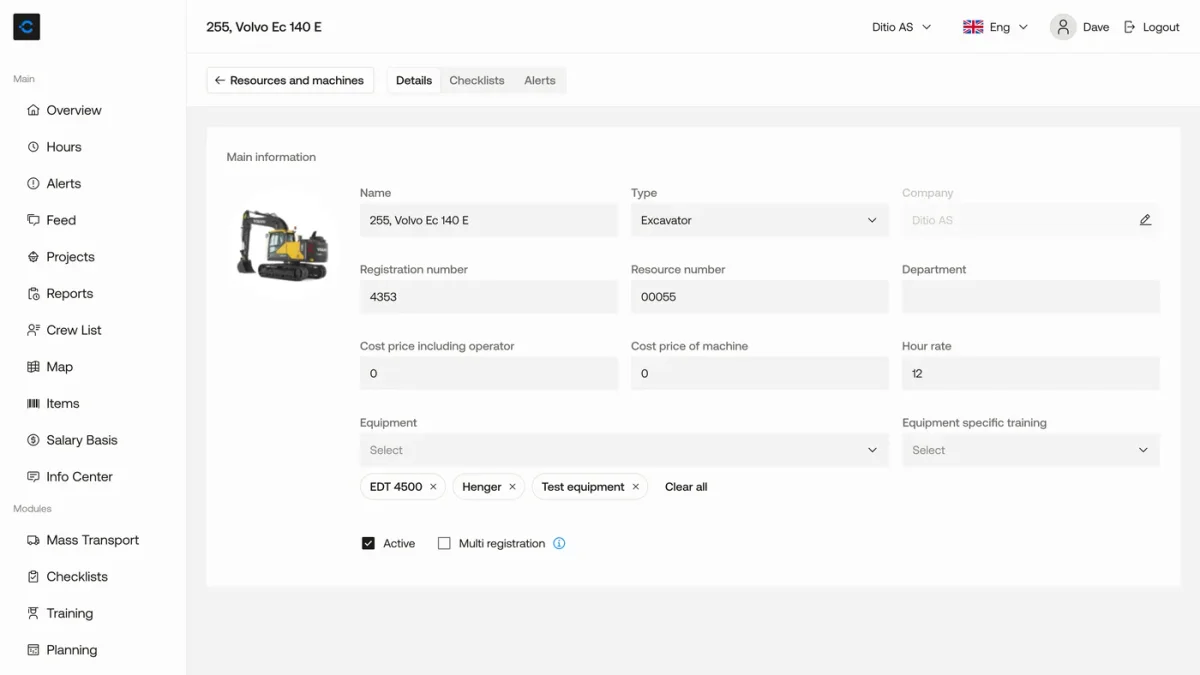
Many tasks on site need both crew and machine at the same time. That’s why personnel and machines can be scheduled together. When an employee is scheduled alongside a machine, the plan is updated for both.
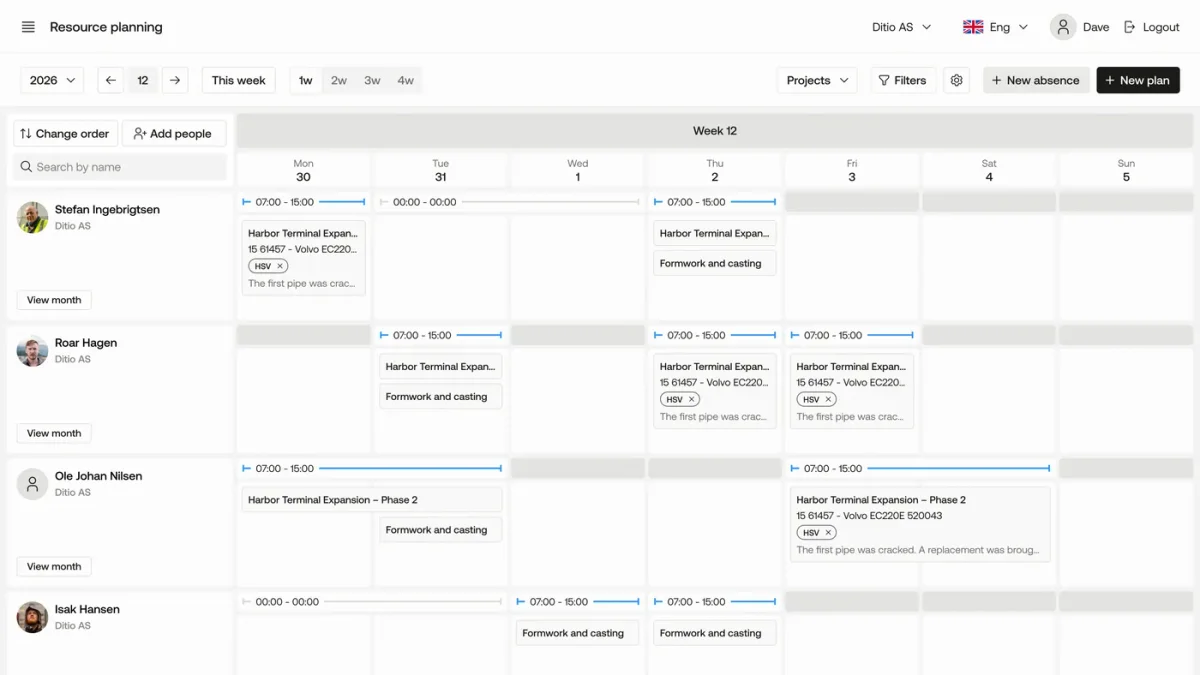
You can view the plan by employee, machine, project, or work order. This makes it easier to see where resources are scheduled, where there is available capacity, and how changes on one project affect the rest of the plan.
Work that lasts several days is planned as one continuous bar. You drag to move the plan or change its duration. With your own color schemes, you decide how plans are colored.
Connect resource planning with work in the field
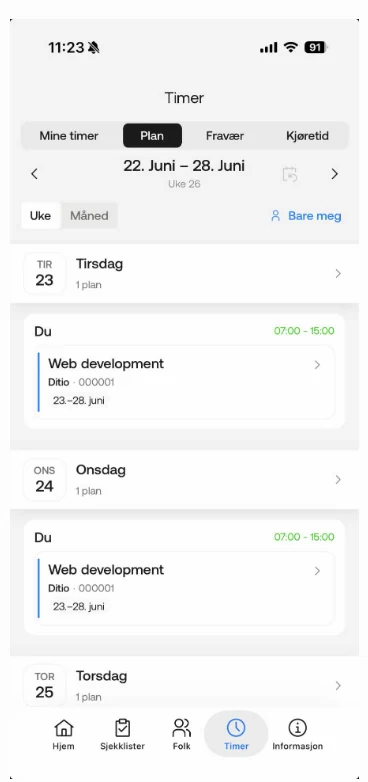
The resource planner is part of Ditio Core. When an employee is scheduled on a work order, the right project and work order can be suggested at check-in in the mobile app.
At the same time, employees see their own plans for the week and month.
This way, information from the plan follows through to the field. It reduces the need for duplicate registration and creates a better connection between what was planned and what is carried out.
Stay on top of things when the resource plan changes
Plans change. People get sick, progress shifts, new tasks come up, and resources need to move between projects.
Absence can therefore be viewed, created, and managed directly in the plan. That way, you see availability and scheduled work in the same place.
This makes it faster to see where capacity is lacking, which resources are available, and where the plan can be adjusted when something changes.
Features of the resource planner
The resource planner gives you flexibility in day-to-day planning:
- Schedule employees and machines on a project or work order
- View the plan by employee, machine, project, or work order
- Plan both across months and in detail within the same solution
- View and manage absence directly in the scheduling view
- Schedule personnel and machines together
- Plan work across several days as one continuous bar
- Choose your own color schemes to make the plan easy to read
- View your own plans with start and end dates in week and month view in the mobile app
- Get quick access to recently used projects and work orders
Frequently asked questions
What is a resource planner?
A resource planner shows project management who and which machines are scheduled on different projects and tasks. It makes it easier to manage capacity and changes along the way.
Can I plan employees and machines together?
Yes. When an employee is scheduled alongside a machine, the plan is updated for both. You can view the plan by employee, machine, project, or work order.
How does the resource planner connect to time tracking and work orders?
The resource planner is part of Ditio Core and is connected to work orders, time tracking, and project follow-up. When an employee is scheduled on a work order, the right project and work order can be suggested at check-in in the mobile app.
Can employees see their own plans?
Yes. Employees can see their own plans, with both start and end dates, in week and month view in the mobile app.
Can I manage absence in the plan?
Yes. Absence can be viewed, created, and managed directly in the plan, so you see availability and scheduled work in the same place.
See the resource planner in practice
Do you allocate employees and machines across several projects?
Book a demo and we’ll show you how to plan capacity, adjust the plan when something changes, and connect it to the work in the field.